Small panel. Useful tools.
Media, clipboard, files and timekeeping — with local data and permissions you control.
Media controls and live waveform
View artwork and playback progress, pause or resume, and use available track controls. Browser controls need Accessibility; Apple Music needs Automation. The waveform analyses system audio in memory, not the microphone, and saves no recordings. Website changes can affect integration.
Ten clipboard entries
Search, pin, delete or pause collection. The ten-entry limit includes pinned items. File entries reference the originals, not backups. Optional persistence is unencrypted. Concealed-content markers are respected, but not every password can be excluded.
Persistent file Pocket
Move files and folders from Finder into local storage, then move them to a destination. They remain after app restarts. Conflicting names are not overwritten. Recover interrupted transfers carefully and keep a separate backup.
Timer, stopwatch and preferences
Set minutes and seconds and view milliseconds. The timer does not wake a sleeping Mac. Adjust panel size, opacity, animations, display and startup at login. Six interface languages are available. QuickTime, IINA, FaceTime and an alarm clock are not supported.
CHOLKA in action
Real captures of the running app with its English interface. The website is available in six languages.
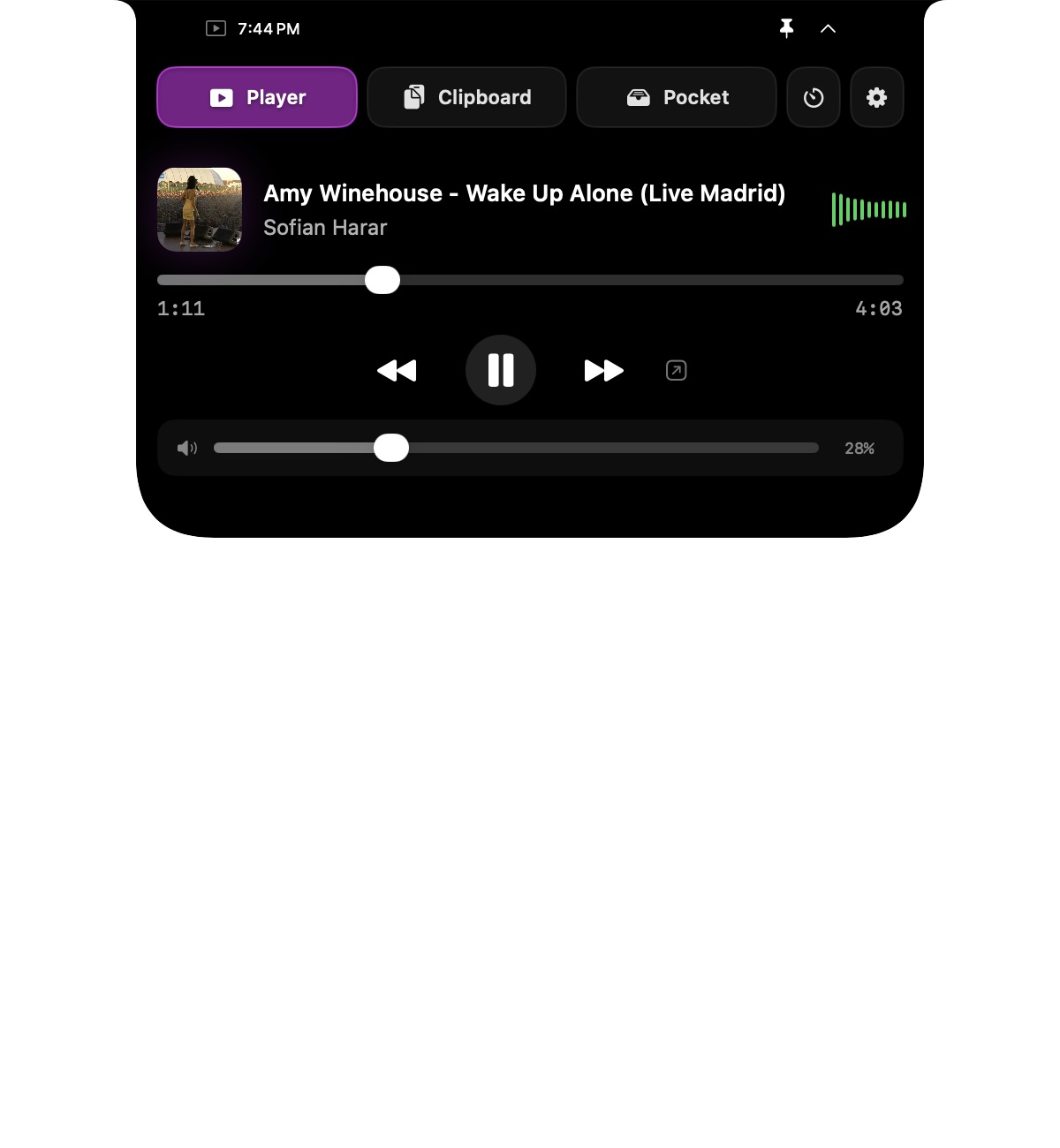
Media controls
Playback, track progress and Mac volume in one panel.
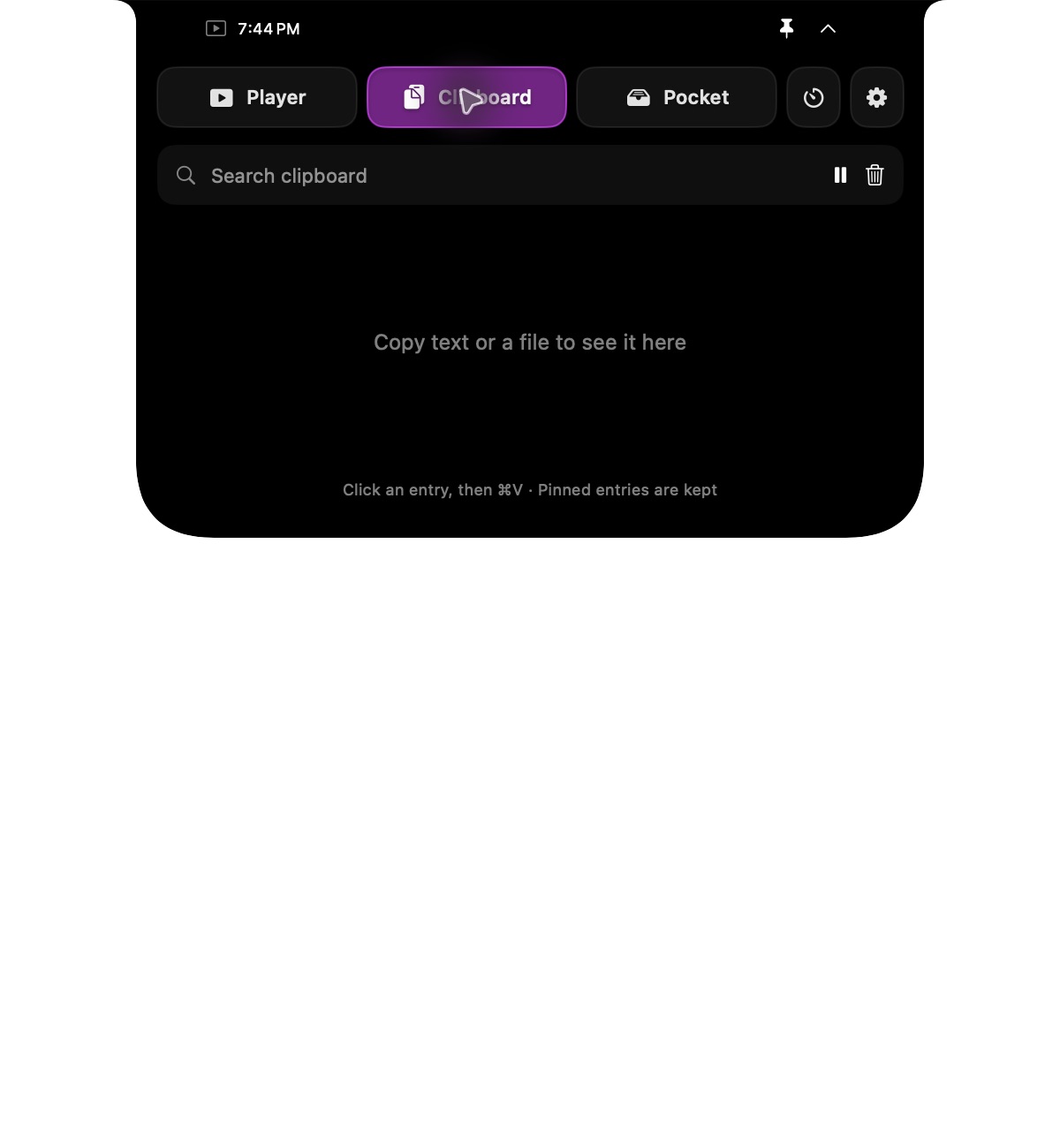
Clipboard history
The clipboard view, shown with an empty history.
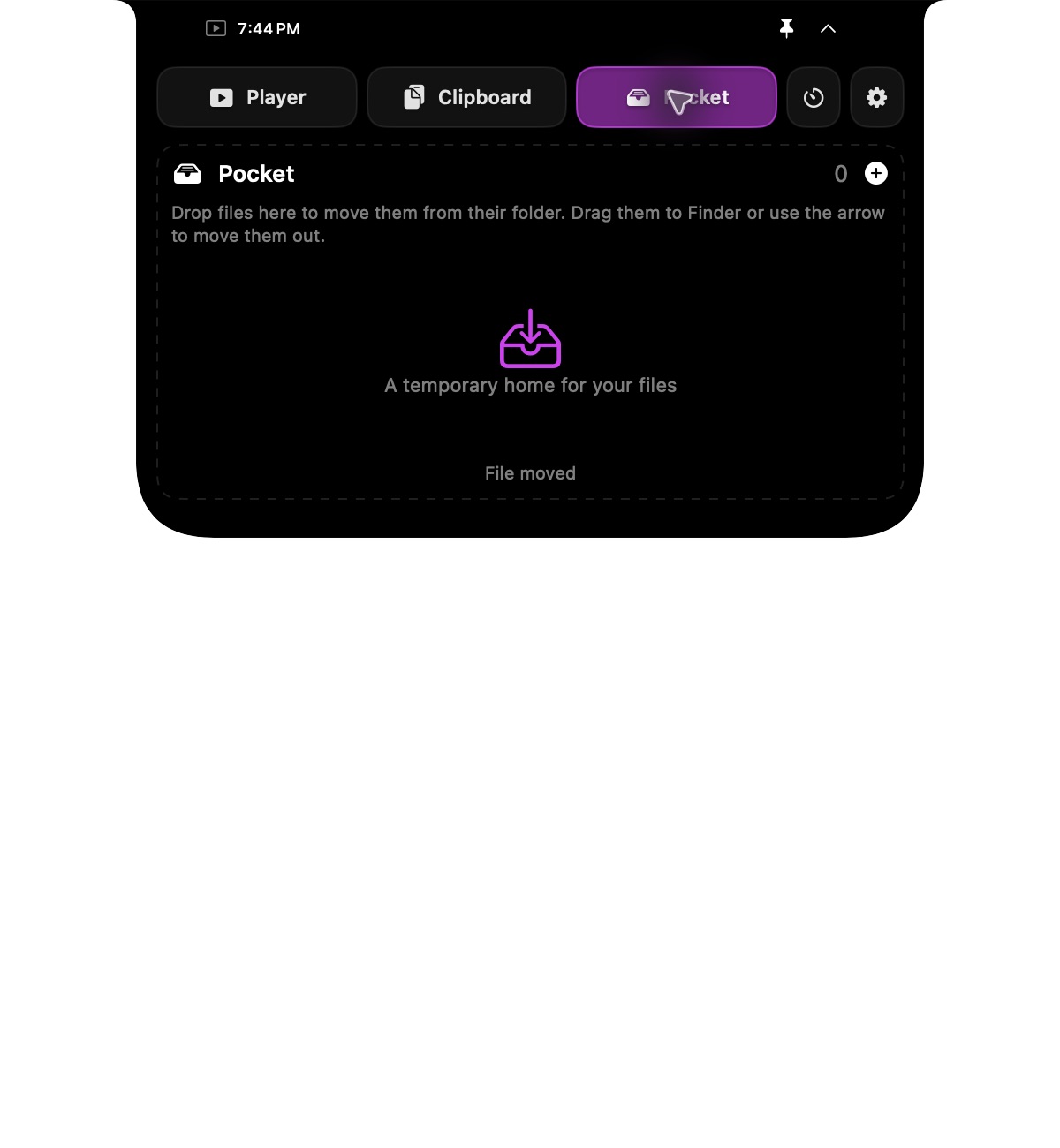
A temporary home for files, shown empty.
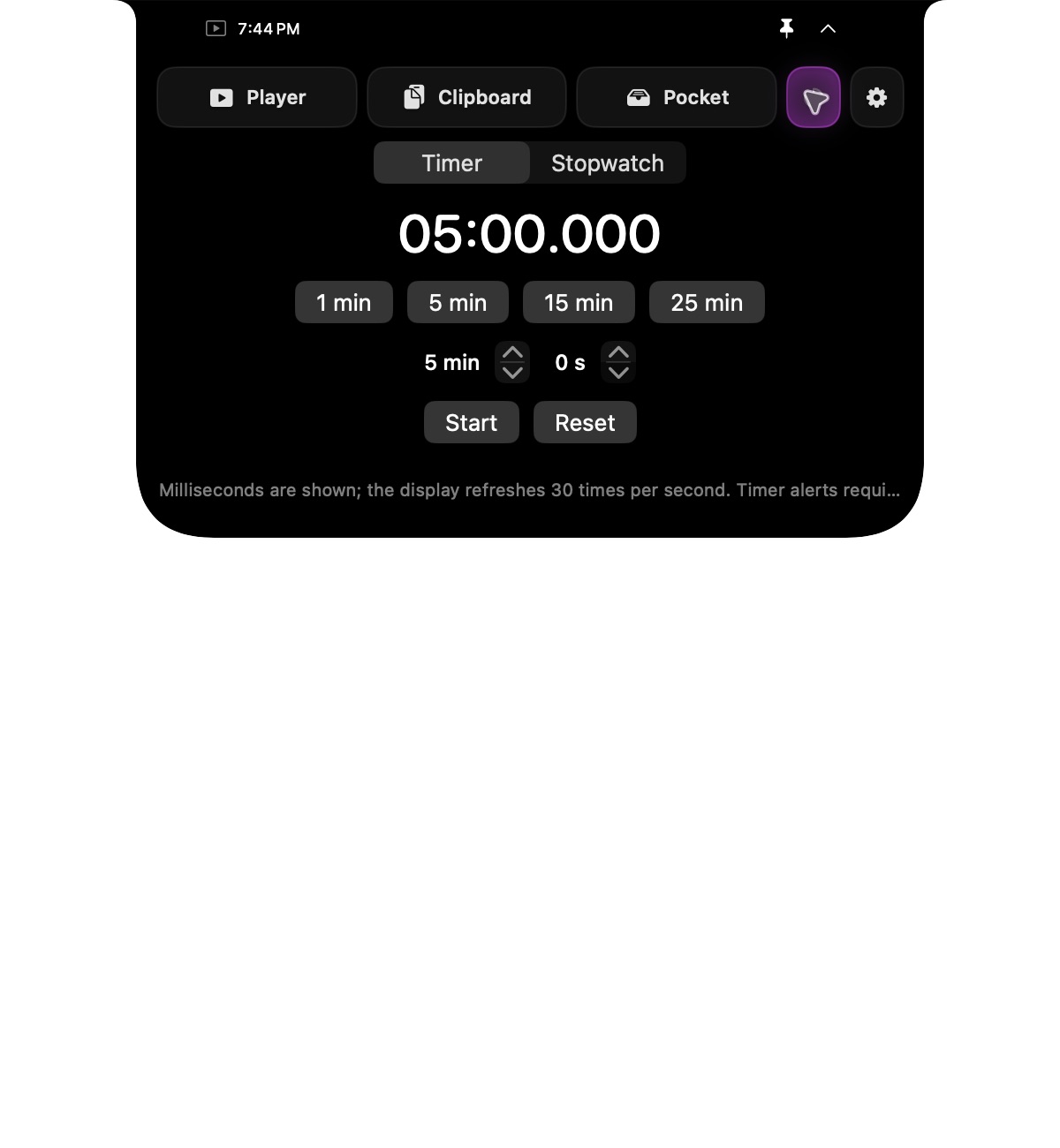
Timer
Quick presets and a precise countdown display.